
Local
All analysis — semantic search, face, blink, emotion and object detection — runs on-device. Your photos never leave your computer.
The local workbench for sorting, culling and semantic search. No cloud, no subscriptions — your photos stay on your machine.
All analysis — semantic search, face, blink, emotion and object detection — runs on-device. Your photos never leave your computer.
Dense, keyboard-first workflow. Sort thousands of RAW files in minutes, cull with the spacebar, find any photo in under a second.
One-time purchase, no subscription. Buy once, own the tool. See the tiers below.
Photography Workbench is the desktop tool for photographers who are done fighting their file system. It sorts your library into a clean structure, helps you cull an entire shoot in one sitting, and lets you find any photo with a plain-language sentence — no tagging, no cloud, no lock-in.
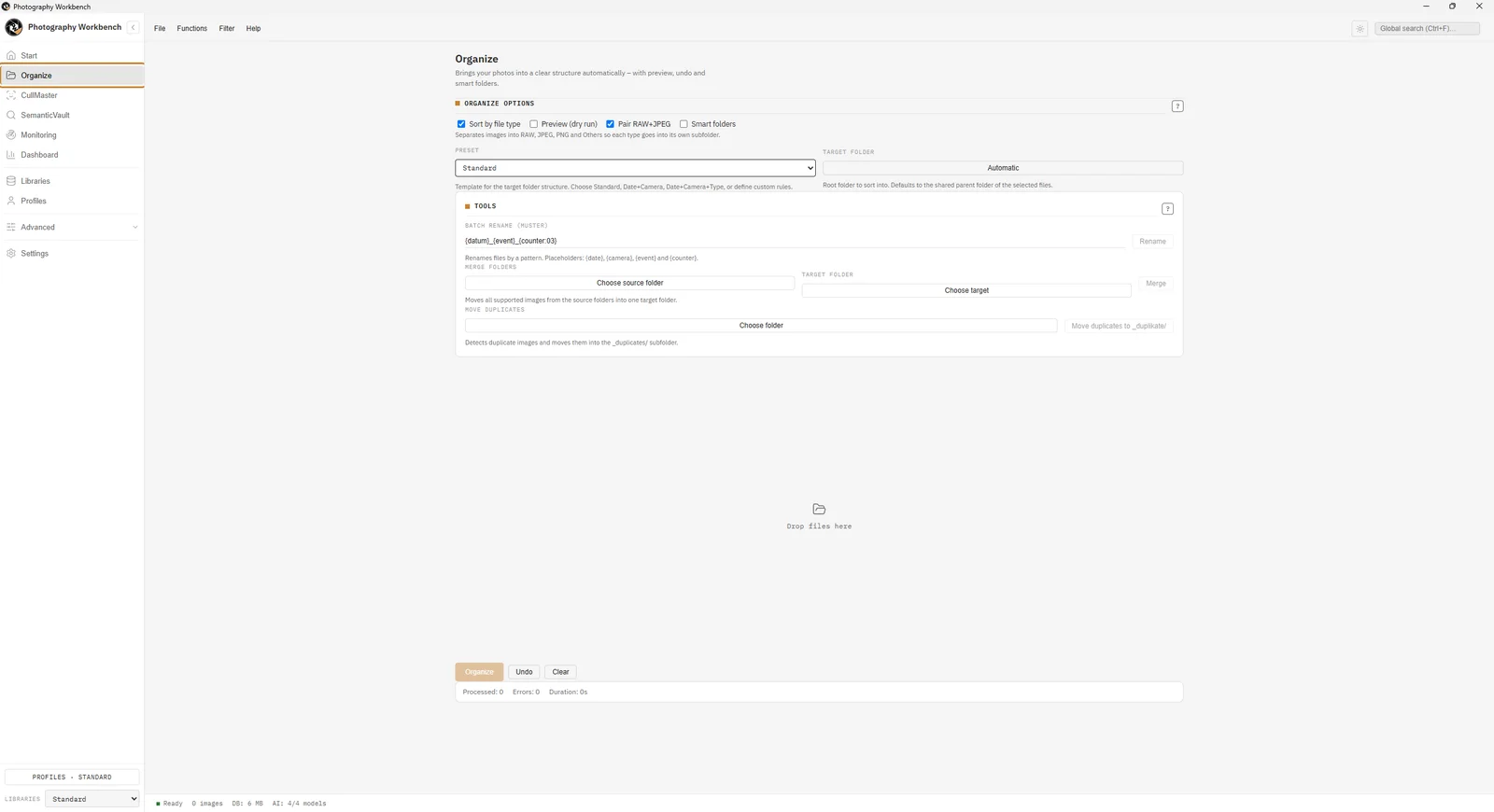
Every module works alone, and better together.
Turn a messy import into a clean year → event → camera folder structure, automatically.
Explore Sorter →Cull entire shoots with adaptive automatic analysis. Rate, flag and export the keepers.
Explore CullMaster →Find any photo with a sentence: "bride in a white dress". Semantic search, offline.
Explore SemanticVault →Watch import folders and sort new photos the moment they arrive. Set it and forget it.
Explore Watcher →See your library in numbers — trends, cameras, lenses, sessions — and export reviews.
Explore Dashboard →Keep weddings, trips and archives in separate libraries, then merge and compare.
Explore Multi-Library →Guide
How CLIP embeddings let you find photos with a plain-language sentence — and why it runs entirely on your machine.
Comparison
A no-subscription look at local photo management — what matters, and where Photography Workbench fits in.
Workflow
Sharpness, faces, blink and emotion detection — the technical helpers that speed up a cull.
Help shape the tool and get the full version for free. You test, you report, you keep it.
Photography Workbench is a local Windows desktop application for photographers. It combines AI-powered photo culling, semantic photo search, EXIF-based sorting, real-time folder watching, analytics, and multi-library management in one app. All processing happens on your machine — no cloud, no subscription.
No. After the one-time installation and initial AI model download, the app works completely offline. Your photos never leave your computer.
Photography Workbench is available in three tiers: Basic (29.90 EUR) includes Sorter and CullMaster. Pro (59.90 EUR) adds SemanticVault and Real-Time Watcher. Ultra (99.90 EUR) includes all 6 modules plus Premium features like invoices, contracts, and client galleries. One-time payment, no subscription.
Photography Workbench is available in 16 native languages: English, German, Turkish, French, Spanish, Portuguese, Russian, Japanese, Chinese (Simplified), Hindi, Arabic, Urdu, Bengali, Indonesian, Marathi, and Swahili.
Photography Workbench is a focused, local tool for culling, sorting, and semantic search. Unlike Lightroom, it has no subscription and no cloud requirement, and it includes AI-powered culling and offline semantic search out of the box.
Yes. The Ultra tier includes invoicing, contract templates, and client gallery features designed specifically for professional photographers and studios.
Windows 10 (1809+) or Windows 11, 64-bit. 4 GB RAM minimum (8–16 GB recommended), a multi-core CPU, and about 5 GB of free disk space for the app and on-device AI models. No GPU or CUDA required.
Yes. Photography Workbench offers a 3-day full-access trial with all modules unlocked. After the trial, you choose a tier and enter your license key to continue.